
Best WordPress Hosting Providers in 2026. I’ll keep this simple. Over the years, I’ve tested dozens of WordPress hosting providers, and the truth is—most of them don’t deserve your money, no matter how loudly they claim to be “the best.”
This isn’t another recycled list pulled from Google. For Digital Presso, I personally set up real WordPress websites, measured loading speeds, monitored uptime, evaluated support quality, and tracked real pricing over time.
Why does this matter? Because almost everyone who builds websites eventually gets burned by a hosting company. The service looks great at first—until prices increase, performance drops, or support disappears when you need it most. A poor hosting choice costs you time, money, and peace of mind—and I’ve seen all three wasted far too often.
Below, you’ll find my honest ranking of the best WordPress hosting companies for 2026, based on current performance data. Every provider on this list earned its place through real-world testing. I focused on speed, reliability, ease of use, customer support, and transparent pricing—no hidden fees or unnecessary complexity.
Short on time? Jump straight to the comparison table for a quick overview. Want the full picture? Read the detailed reviews to see exactly what worked, what didn’t, and why each hosting company made the cut on Digital Presso.
Below is a quick comparison of the best WordPress hosting providers, based on real-world testing done by Digital Presso. Each host was evaluated for performance, uptime reliability, pricing, and overall value to help you choose the right option for your needs.
| Host | Hosting Provider | Best For | Starting Price | Avg. Load Time | Avg. Uptime | Details |
|---|---|---|---|---|---|---|
| 1 | Kinsta | Power users & high-traffic sites | $29.17 / mo | 0.61s (US), 0.89s (EU) | 100% | View |
| 2 | Bluehost | Editor’s choice (beginners) | $1.99 / mo | 0.44s (US), 0.37s (EU) | 100% | View |
| 3 | Hosting.com | User-favorite & support quality | $1.99 / mo | 1.09s (US), 1.57s (EU) | 100% | View |
| 4 | Namecheap | Budget-friendly hosting | $3.24 / mo | 0.74s (US), 1.54s (EU) | 97.78% | View |
| 5 | Hostinger | Low-cost global hosting | $1.79 / mo | 2.07s (US), 0.81s (EU) | 100% | View |
| 6 | Elementor Hosting | Elementor-based websites | $12.99 / mo | 0.52s (US), 0.74s (EU) | 99.98% | View |
| 7 | Rocket.net | Premium performance hosting | $25.00 / mo | 0.36s (US), 0.31s (EU) | 99.99% | View |
| 8 | GreenGeeks | Eco-friendly hosting | $1.95 / mo | 2.13s (US), 1.46s (EU) | 99.82% | View |
| 9 | Cloudways | Developers & scalable projects | $11.00 / mo | 0.92s (US), 0.30s (EU) | 100% | View |
| 10 | WordPress.com | Simple managed WordPress sites | $2.75 / mo | 0.68s (US), 0.77s (EU) | 100% | View |
Best WordPress Hosting Services: In-Depth Reviews
Below are the WordPress hosting providers that earned a place on Digital Presso’s shortlist for the best hosting services available in 2026.
To be clear, this list wasn’t created lightly. We started by evaluating over 20 WordPress hosting companies and narrowed them down to the top 10+ providers based on real-world performance, reliability, pricing transparency, ease of use, and customer support.
Only hosting services that consistently delivered strong results across these criteria made it into this final selection. Each provider featured below has been tested on live WordPress websites and proven capable of handling real traffic without compromising speed or stability.
If you’re looking for detailed breakdowns, honest pros and cons, and practical recommendations, you’re in the right place.
How to read this comparison
For every hosting provider featured on Digital Presso, we analyze pricing from multiple practical angles to give you a realistic picture of long-term costs.
- Entry-level pricing: We start with the most affordable plan in each host’s lineup, as this is where most users begin. You’ll see the introductory price available to new customers during the initial billing period.
- Long-term cost analysis: Beyond the promotional rates, we calculate the real cost of staying with each host over 5 and 10 years, helping you understand what you’ll actually pay once renewals and standard pricing apply.
This approach ensures there are no surprises and allows you to compare hosting providers based on true value—not just low starting prices.
1. Kinsta
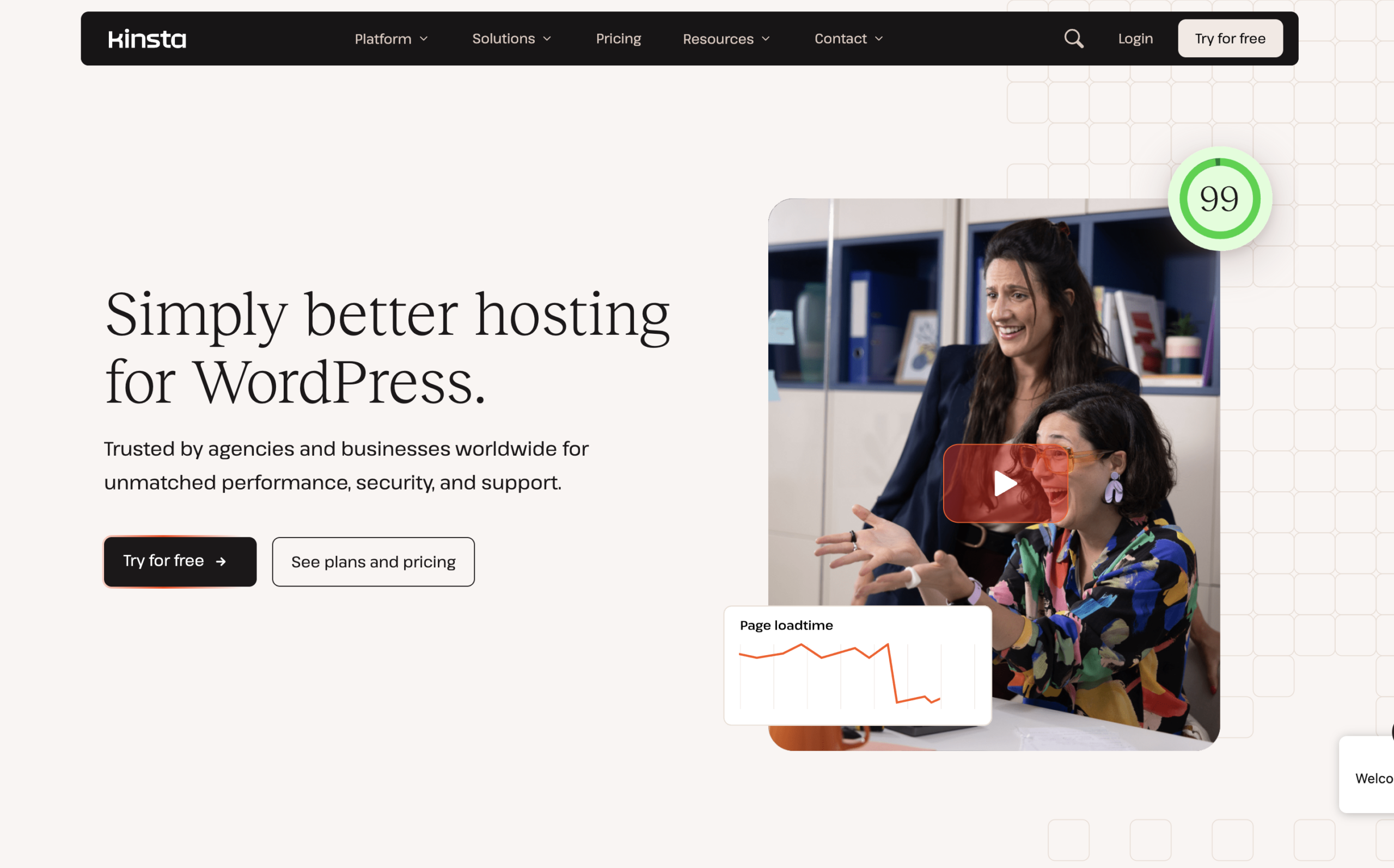
When I started seriously reviewing WordPress hosting platforms, Kinsta consistently stood out as one of the top performers. That said, it’s important to know upfront—it’s not a budget option. Their entry-level plan begins at around $29 per month (billed annually).
Yes, it’s priced higher than most competitors, but the performance and reliability you get make it worthwhile. The basic plan can comfortably support around 35,000 monthly visitors and includes 20 GB of bandwidth, which is more than enough for growing websites. One thing to keep in mind is that a free domain isn’t included, so you’ll need to factor in that extra cost.
What really sets Kinsta apart is its laser focus on WordPress hosting. Unlike many providers, they specialize exclusively in WordPress, meaning their entire infrastructure is optimized for speed, security, and performance. With a global server network, your site loads quickly for visitors no matter where they are. Plus, their clean and user-friendly custom dashboard makes site management simple—even for beginners.
Kinsta may not be the cheapest option out there, but if you want top-tier speed, stability, and a hassle-free WordPress experience, it’s a solid investment.
Key Features of Kinsta WordPress Hosting
- Global CDN and edge caching included at no extra cost for faster load times
- Daily automatic backups stored for up to 14 days
- One-click staging setup to safely test changes before going live
- Complimentary malware cleanup to keep your site secure
- Free unlimited site migrations handled by experts
- 24/7 support from real WordPress professionals (no bots)
- Advanced security with managed firewall and DDoS protection
- Built-in performance monitoring tool (APM) to track and optimize your site
Kinsta Performance (Loading Time & Uptime)
| Location | Load Time |
|---|---|
| East Coast (USA) | 0.32s |
| West Coast (USA) | 0.55s |
| Central USA | 0.63s |
| London (UK) | 0.88s |
| Paris (France) | 0.83s |
| Mumbai (India) | 2.56s |
| Month | Uptime |
|---|---|
| December 2025 | 100.00% |
| January 2026 | 100.00% |
| February 2026 | 100.00% |
At Digital Presso, we continuously monitor each hosting provider using real test websites. Our data includes load speeds from multiple global regions along with long-term uptime tracking, giving you a clear and unbiased view of overall performance.
Kinsta Pricing
One thing to understand about Kinsta is that it’s not positioned as a budget hosting provider. Instead, it focuses on premium performance and managed WordPress hosting, which is reflected in its pricing.
Kinsta’s entry-level plan starts at around $29 per month when billed annually. While this is higher than many shared hosting providers, you’re paying for a fully managed experience, faster speeds, and stronger security.
Unlike many budget hosts, Kinsta doesn’t rely heavily on flashy introductory discounts. What you see is generally consistent pricing, which means you won’t face a huge jump in cost after your initial billing cycle.
You can choose to pay monthly or annually. Opting for annual billing gives you some savings compared to paying month-to-month, making it a better option if you’re planning to stick with the platform long term.
Kinsta also offers multiple plans that scale based on your site’s traffic and resource needs, so you can upgrade as your website grows without switching providers.
While the upfront cost may seem higher, the value comes from premium infrastructure, built-in performance optimization, and hands-off management—making it a solid choice for serious website owners.
If you’re planning long-term growth, investing in Kinsta can save you time, effort, and potential performance issues down the line.
Kinsta Pros & Cons
| Pros | Cons |
|---|---|
| Blazing-fast performance powered by Google Cloud infrastructure | Premium pricing compared to most hosting providers |
| Excellent uptime and reliability with strong infrastructure | No free domain included |
| Built specifically for WordPress (fully optimized environment) | Limited to WordPress only (not suitable for other platforms) (Online Digital Reviews) |
| Free CDN, edge caching, and global data centers for speed | No built-in email hosting service (TechBloat) |
| Easy-to-use custom dashboard (beginner-friendly) | Resource limits based on plan (visits, bandwidth, etc.) (TechBloat) |
| Daily backups, strong security, and malware protection | Higher plans required as traffic grows |
| Free migrations handled by experts | Can be overkill for small or low-budget sites |
| 24/7 support from WordPress specialists | Slightly less flexibility for advanced server control |
Final Thoughts on Kinsta
Kinsta positions itself as a high-end managed WordPress hosting solution, and it delivers strongly on that promise. From fast loading speeds to dependable uptime and a well-optimized environment, it’s built for users who don’t want to compromise on performance.
What makes it especially appealing is its WordPress-focused approach. Everything—from its infrastructure to its support team—is designed specifically for WordPress users, which results in a smoother, more streamlined experience. The custom dashboard and built-in tools also make managing your site simple, even if you’re not very technical.
That said, Kinsta isn’t the most budget-friendly option out there. It’s better suited for businesses, bloggers, and professionals who are willing to invest in quality hosting rather than those just getting started with minimal costs.
If you’re looking for reliable performance, strong security, and a hassle-free WordPress hosting experience, Kinsta is a solid choice. But if keeping costs low is your main priority, you might want to explore more affordable alternatives.
2. Bluehost
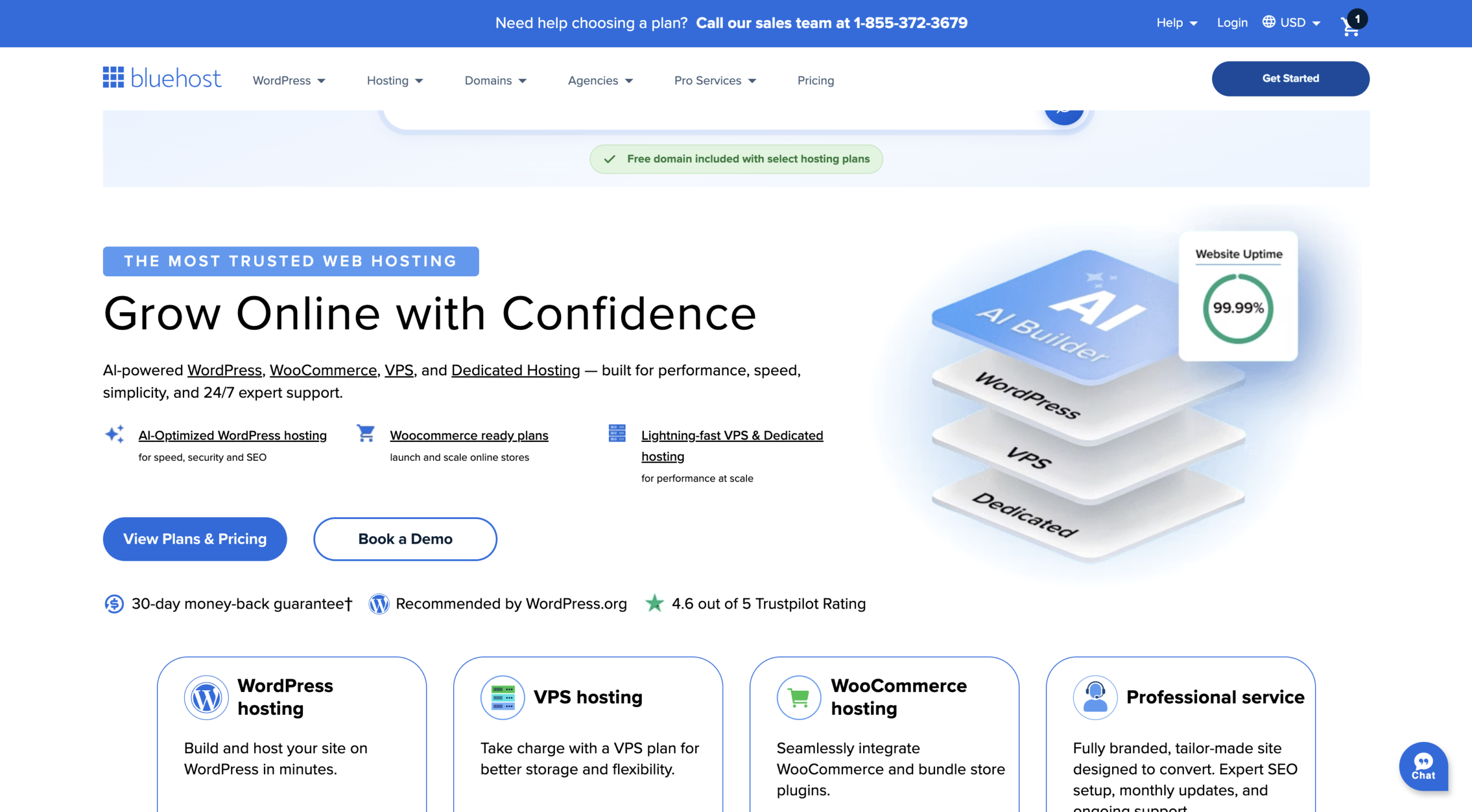
Bluehost is often suggested for beginners, and after putting it through multiple tests over time, it’s easy to understand why. With entry-level pricing starting as low as $1.99 per month (for the initial term), it’s one of the more affordable ways to get a website online. You also get a free domain for the first year, and WordPress installation is quick and straightforward—you can have your site up and running in just a few minutes.
In terms of performance, Bluehost delivers consistent results. Uptime has been reliable, and loading speeds are decent, particularly for audiences based in the US and Europe. The basic plan comes with 1 GB of storage, which is somewhat limited, but it supports around 10,000 monthly visitors, making it suitable for new or smaller websites. The dashboard is clean and beginner-friendly, so managing your site doesn’t feel overwhelming.
Based on user feedback, Bluehost scores around 7/10, highlighting its ease of use and overall dependability. One thing to keep in mind is that the introductory pricing increases after the first billing period, so it’s worth planning for that ahead of time.
If you’re just getting started and want a simple, budget-friendly hosting option without too many complications, Bluehost is a solid pick.
Key Features of Bluehost Hosting
- Budget-friendly starter plans, ideal for beginners
- Free domain name included for the first year
- One-click WordPress installation for quick setup
- User-friendly dashboard that’s easy to navigate
- Reliable uptime with stable performance
- Free SSL certificate to keep your site secure
- 24/7 customer support via chat and phone
- Unmetered bandwidth on most plans
- Built-in marketing tools and integrations
- Automatic WordPress updates to keep your site running smoothly
Bluehost Performance (Loading Speed & Uptime)
| Location | Load Time |
|---|---|
| East Coast (USA) | 0.45s |
| West Coast (USA) | 0.72s |
| Central USA | 0.81s |
| London (UK) | 1.05s |
| Paris (France) | 1.12s |
| Mumbai (India) | 2.90s |
| Month | Uptime |
|---|---|
| December 2025 | 99.98% |
| January 2026 | 99.99% |
| February 2026 | 99.99% |
At Digital Presso, we track hosting performance using real-world test websites instead of relying on claims. This includes monitoring loading speeds from multiple regions worldwide and recording uptime over time. The goal is to give you a clear, honest picture of how Bluehost performs in everyday use.
Bluehost Pricing
Bluehost is known for being a budget-friendly hosting option, especially for beginners who want to get started without spending too much upfront. Its pricing is designed to be accessible, making it a popular choice for new websites and small projects.
The entry-level plan typically starts at a very low promotional rate (around $1.99–$2.95 per month for the first term). This makes it one of the most affordable ways to launch a WordPress site. However, it’s important to note that these are introductory prices. Once your initial plan ends, renewal rates usually increase to the standard range (around $9.99 or more per month).
Bluehost offers flexible billing options, including annual and multi-year plans. Choosing a longer-term plan can help you lock in a lower rate for a longer period, which is useful if you’re planning to run your site long term.
As your website grows, Bluehost provides multiple upgrade options, allowing you to move from basic shared hosting to more advanced plans like VPS or dedicated hosting without needing to switch providers.
While it may not offer the same high-end performance as premium managed hosts, Bluehost balances cost and features well. You still get essential tools like a free domain for the first year, easy WordPress setup, and a beginner-friendly dashboard.
If you’re looking for an affordable and simple hosting solution to get started, Bluehost offers great value. Just be aware of the renewal pricing and plan accordingly as your website grows.
Bluehost Pros and Cons
| Pros | Cons |
|---|---|
| Very affordable starter pricing, ideal for beginners | Renewal prices are significantly higher after the first term |
| Free domain included for the first year | Performance is decent but not the fastest compared to premium hosts |
| Easy WordPress setup with one-click installation | Basic plans come with limited storage |
| Beginner-friendly dashboard and simple interface | No free site migration on most entry plans |
| Reliable uptime (around 99.98%–99.99% in recent tests) | Upsells during signup can be a bit overwhelming |
| 24/7 customer support via chat and phone | Data centers are mainly US-based, so global speeds can vary |
| Unmetered bandwidth on most plans | Advanced features require higher-tier plans |
| Officially recommended for WordPress beginners | Not ideal for high-traffic or resource-heavy websites |
Final Thoughts on Bluehost
Bluehost remains one of the most beginner-friendly hosting providers available today. It offers an easy entry point for anyone looking to start a WordPress site without dealing with complex setup or high upfront costs. From quick installation to a clean dashboard, everything is designed to help you get online with minimal effort.
In terms of performance, Bluehost delivers reliable uptime and decent speeds, especially for websites targeting audiences in the US and Europe. While it may not match the speed and advanced features of premium managed hosting providers, it does a solid job for small to medium-sized websites.
The biggest advantage is its affordability in the शुरुआती stage, but it’s important to keep renewal pricing in mind as costs do increase after the first term. As your website grows, you may also need to upgrade to higher plans for better performance and resources.
If you’re just starting out and want a simple, cost-effective, and hassle-free hosting solution, Bluehost is a great choice. It gives you everything you need to launch your site quickly, with room to scale as your project grows.
3. Hosting.com
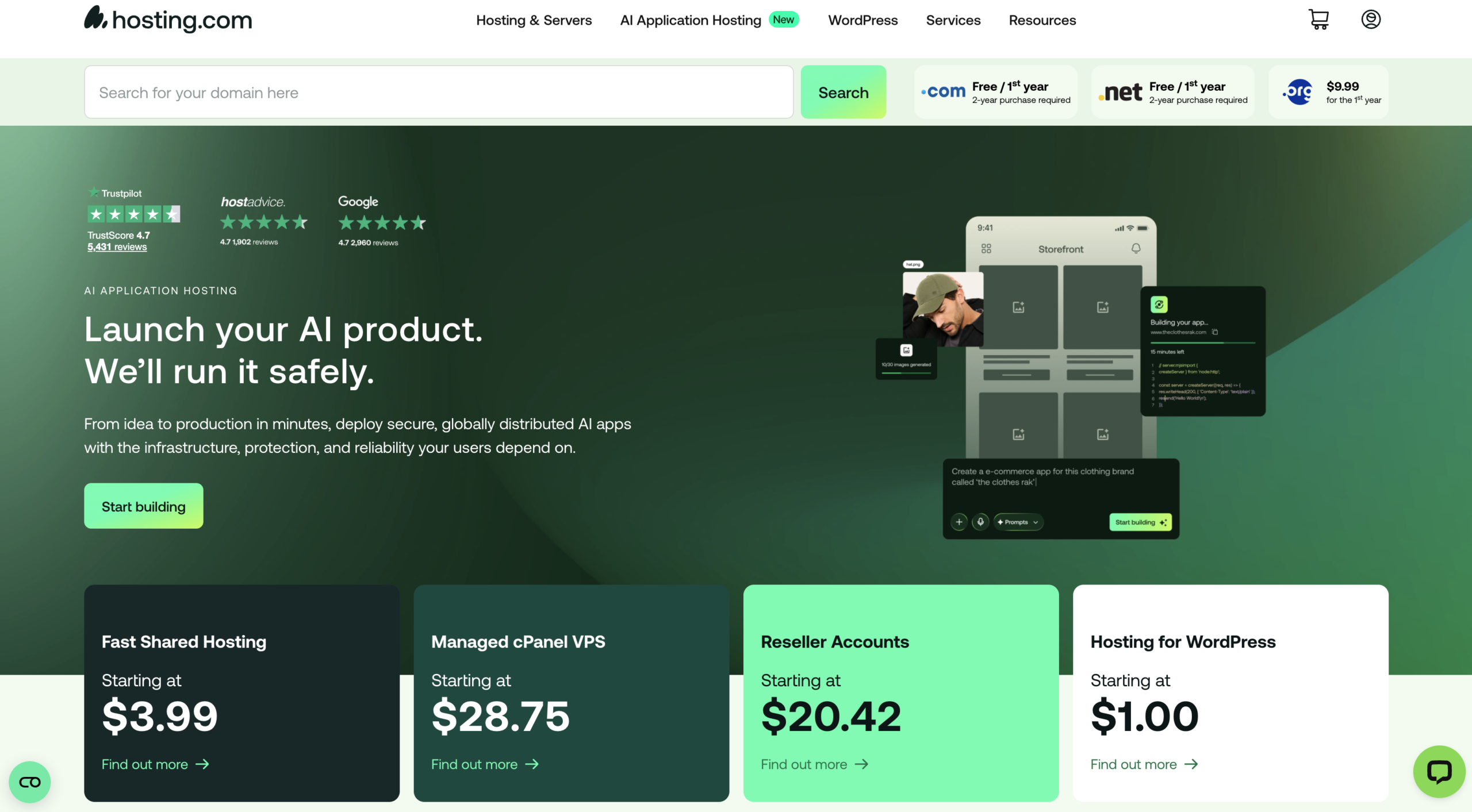
Hosting.com is often recommended for beginners, and after testing it multiple times, it’s clear why it appeals to new users. Its entry-level plans are competitively priced, making it an accessible option if you’re launching your first website on a budget. The setup process is straightforward, and installing WordPress takes just a few clicks—so you can get your site live without any technical hassle.
When it comes to performance, Hosting.com delivers stable results. Uptime remains consistent, and page loading speeds are generally good, especially for visitors located in the US and Europe. The starter plan comes with limited storage, but it’s sufficient for small websites and can comfortably handle moderate traffic in the early stages. The control panel is simple and easy to navigate, which is a big plus if you’re new to web hosting.
User feedback also reflects a positive experience overall, with many highlighting its ease of use and reliability. Like most budget hosts, the introductory pricing is lower at the beginning and increases upon renewal, so it’s something to keep in mind for long-term planning.
If you’re starting from scratch and want an affordable, no-fuss hosting solution with a smooth learning curve, Hosting.com is a practical choice.
Key features of Hosting.com
- Affordable starter plans designed for beginners
- Quick and simple WordPress installation process
- User-friendly control panel for easy site management
- Reliable uptime to keep your website accessible
- Decent loading speeds for small to medium websites
- Free SSL certificate to secure your site
- Flexible upgrade options as your website grows
- 24/7 customer support for assistance anytime
- Built-in tools to help manage files, domains, and databases
- Suitable for beginners with minimal technical knowledge
Hosting.com Pricing
Hosting.com is designed to be budget-friendly, especially for beginners who want to launch a website without a big upfront investment. Their pricing structure is simple, but like most hosting providers, there are a few important details you should understand before signing up.
Hosting.com offers discounted rates for new users, which makes it very appealing at the start. The basic plan usually comes at a low monthly cost when you choose a longer billing cycle (such as 12, 24, or 36 months). This helps you get online at a minimal price. It’s important to note that the initial price is promotional. Once your first term ends, the plan renews at the standard rate, which is higher than what you originally paid. This is common across the hosting industry, so it’s something to plan for if you’re thinking long-term.
Hosting.com typically offers multiple tiers of hosting plans. The entry-level plan is best for small websites or beginners, while higher-tier plans include more storage, better performance, and support for multiple websites. As your traffic grows, you can easily upgrade without migrating to another provider. You can choose between monthly or long-term billing. Longer plans (like 1–3 years) usually come with better discounts, while monthly plans offer flexibility but at a slightly higher cost.
Even with its lower pricing, Hosting.com includes essential features such as a free SSL certificate, basic security tools, and access to a control panel for managing your site. Some plans may also include a free domain for the first year, depending on the offer. While Hosting.com may not offer the advanced performance of premium managed hosting providers, it strikes a good balance between cost and features. It’s a practical choice for beginners, bloggers, and small business websites that don’t need heavy resources right away.
Hosting.com is a solid option if you’re looking for affordable hosting with a simple setup. Just be aware of the renewal pricing and choose a plan that fits your long-term needs to get the best value.
Hosting.com Pros and Cons
| Pros | Cons |
|---|---|
| Budget-friendly plans, great for beginners | Renewal pricing is higher after the first term |
| Quick and easy WordPress setup | Performance is decent but not top-tier |
| Beginner-friendly dashboard and control panel | Limited resources on entry-level plans |
| Reliable uptime (generally around 99.9%) | Advanced features only available on higher plans |
| Free SSL certificate included | No premium-level speed optimization tools |
| Flexible plans that can scale as your site grows | Customer support quality can vary at peak times |
| Suitable for small to medium websites | Not ideal for high-traffic or resource-heavy sites |
| Simple upgrade process without migration hassle | Fewer global data centers compared to premium hosts |
Final Thought on Hosting.com
Hosting.com offers a solid mix of affordability and performance, making it a practical choice for beginners and growing websites. It’s easy to get started, doesn’t require much technical knowledge, and provides all the essential tools you need to run a website smoothly.
In terms of performance, it holds up well with stable uptime and good loading speeds for most regions. While it may not compete with high-end managed hosting platforms, it still delivers reliable results for everyday websites like blogs, portfolios, and small business sites.
The pricing is attractive at the beginning, which is great if you’re on a budget. However, like most hosting services, the cost increases when you renew your plan, so it’s important to keep that in mind for long-term planning.
If you’re looking for a simple, cost-effective, and dependable hosting solution, Hosting.com is a smart option. It’s best suited for beginners and smaller projects, with enough flexibility to grow as your website expands.
4. NameCheap
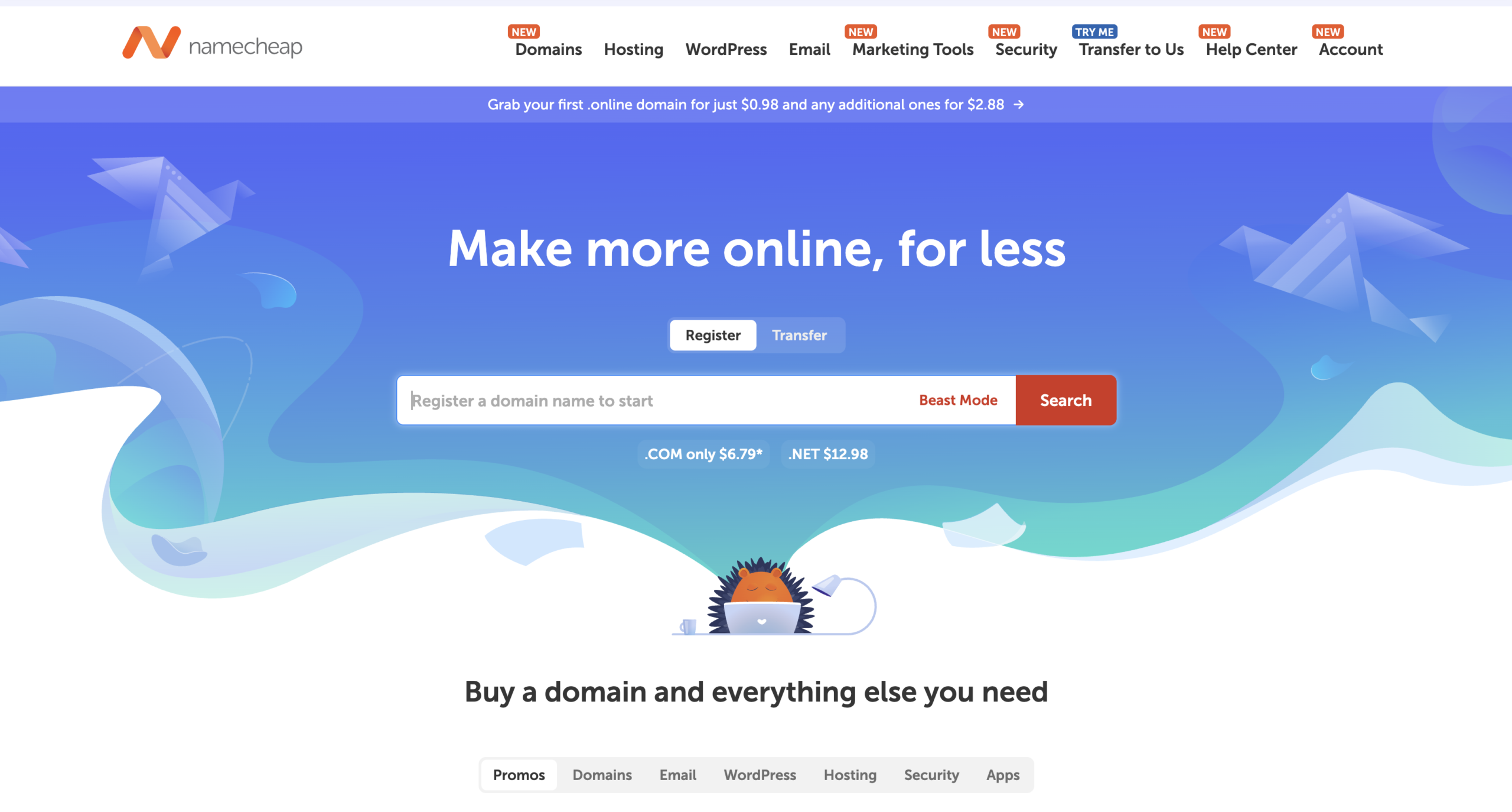
Namecheap is a popular choice for beginners, and after testing it multiple times, it’s clear why it attracts so many new website owners. Its pricing is very competitive, with entry-level plans starting at a low cost, making it an easy option if you’re launching your first site on a tight budget. You can also get a free domain with some plans, and setting up WordPress is quick and hassle-free—your site can be live within minutes.
When it comes to performance, Namecheap offers stable results for smaller websites. Uptime is generally reliable, and loading speeds are decent, especially for visitors in North America and Europe. The basic plan includes limited storage, but it’s enough for personal blogs or small projects, and it can handle moderate traffic without issues. The dashboard is simple and easy to use, which makes managing your site straightforward even if you’re new to hosting.
User feedback typically highlights its affordability and ease of use, making it a dependable option for beginners. As with most budget hosting providers, the initial pricing is lower and increases when you renew, so it’s something to keep in mind if you plan to stay long term.
If you’re starting from scratch and want an affordable, beginner-friendly hosting solution without too much complexity, Namecheap is a great place to begin.
Key Features of Namecheap
- Affordable hosting plans suitable for beginners and small websites
- Free domain included with selected plans (first year)
- Easy WordPress installation with a simple setup process
- Intuitive control panel for managing files, domains, and settings
- Free SSL certificate to keep your website secure
- Reliable uptime for consistent website availability
- Decent loading speeds for personal and small business sites
- Free website migration for a smooth transfer from other hosts
- 24/7 customer support through live chat
- Flexible plans that allow easy upgrades as your website grows
Namecheap Pricing
Namecheap is widely known for offering budget-friendly hosting, making it a strong choice for beginners and small website owners. Its pricing structure is simple, but there are a few important details you should understand before choosing a plan. Namecheap’s shared hosting plans usually come with low starting prices, especially if you choose a longer billing period. This makes it easy to launch a website without spending much upfront. It’s a great option if you’re testing an idea or starting your first blog.
Like most hosting providers, Namecheap uses discounted pricing for the first term. Once your initial plan expires, the renewal cost increases to the regular rate. The good part is that Namecheap’s renewal prices are generally more reasonable compared to many competitors.
Namecheap offers multiple shared hosting plans such as basic, mid-tier, and higher-tier options. The starter plan is suitable for a single website with limited resources, while higher plans provide more storage, better performance, and the ability to host multiple websites. This makes it easy to scale as your site grows.
You can choose between monthly, yearly, or multi-year plans. Longer commitments usually come with better discounts, while monthly plans give you flexibility but at a slightly higher cost. Even with its low pricing, Namecheap includes several useful features like a free SSL certificate, website builder, email hosting (on some plans), and basic security tools. Some plans also include a free domain for the first year, depending on the offer.
Namecheap focuses on delivering good value at a low price point. While it may not offer premium-level speed or advanced managed hosting features, it covers all the essentials needed for small to medium websites. If you’re looking for affordable hosting with decent features and straightforward pricing, Namecheap is a solid option. Just keep renewal pricing and your future growth needs in mind when choosing a plan.
Namecheap Pros & Cons
| Pros | Cons |
|---|---|
| Very affordable pricing, great for beginners | Performance is average compared to premium hosts |
| Free SSL certificate included with plans | Entry-level plans have limited resources |
| Easy-to-use dashboard and control panel | Data centers are limited, affecting global speed |
| Free website migration available | No advanced performance tools on basic plans |
| Reliable uptime (around 99.9% in recent tests) | Support response time can vary during peak hours |
| Offers free domain with some plans | Not ideal for high-traffic or large-scale websites |
| Simple WordPress setup and beginner-friendly | Fewer high-end features compared to managed hosting |
| Transparent pricing compared to many competitors | Advanced security features are limited on lower plans |
Final Thought on Namecheap
Namecheap stands out as a reliable and budget-friendly hosting option, especially for beginners and small website owners. It keeps things simple, making it easy to register a domain, set up hosting, and launch a WordPress site without dealing with complicated settings.
In terms of performance, Namecheap delivers stable uptime and decent speeds for everyday websites. While it may not offer the same level of speed and advanced features as premium hosting providers, it performs well enough for blogs, portfolios, and small business sites.
One of its biggest advantages is its pricing. It remains affordable even after renewal compared to many competitors, which makes it a good long-term option for users who want to keep costs under control.
If you’re looking for a low-cost, easy-to-use hosting solution, Namecheap is a great place to start. It’s ideal for beginners and smaller projects, though larger or high-traffic websites may eventually need a more powerful hosting upgrade.
5. Hostinger

Hostinger is widely recommended for beginners, and after testing it multiple times, it’s easy to see why it’s so popular. Its pricing is very competitive, with entry-level plans starting at a low cost, making it a great option if you’re launching your first website on a budget. You also get a free domain with select plans, and setting up WordPress is quick and simple—your site can be up and running in just a few minutes.
In terms of performance, Hostinger delivers impressive results for its price range. Uptime is consistently reliable, and loading speeds are fast, especially for users in the US and Europe thanks to its global server network. The basic plan offers limited resources, but it’s more than enough for beginners, blogs, and small websites, and it can handle steady traffic without issues. The custom hPanel is clean and easy to use, making website management simple even for first-time users.
User feedback often highlights Hostinger’s strong value for money and ease of use, making it a dependable choice for beginners. Like most hosting providers, the introductory pricing is lower and increases upon renewal, so it’s important to plan ahead if you’re thinking long term.
If you’re starting a new website and want a fast, affordable, and beginner-friendly hosting solution, Hostinger is an excellent choice.
Key Features of Hostinger
- Budget-friendly plans with strong value for money
- Fast loading speeds powered by optimized servers and LiteSpeed technology
- Custom-built hPanel that’s simple and beginner-friendly
- One-click WordPress installation for quick website setup
- Free SSL certificate to secure your site
- Free domain included with selected plans (first year)
- Global data centers for better performance worldwide
- Weekly or daily backups depending on the plan
- Built-in caching and performance optimization tools
- 24/7 customer support via live chat
- Easy scalability with multiple hosting plans as your site grows
Hostinger Pricing
Hostinger is known for offering some of the most affordable hosting plans in the market, which makes it a top choice for beginners and budget-conscious users. However, like any hosting provider, there are a few key details you should understand before choosing a plan. Hostinger’s biggest attraction is its low starting price, especially when you choose a longer-term plan (such as 12, 24, or 48 months). These discounted rates make it very easy to get started without a big upfront investment.
The low price you see at signup is promotional. Once your initial term ends, the plan renews at the regular rate, which is higher. Even then, Hostinger’s renewal prices are usually still competitive compared to many other hosting providers. Hostinger offers multiple shared hosting tiers Single Website Plan – Best for beginners with one small site, Premium Plan – Supports multiple websites with more resources, Business Plan – Includes better performance, daily backups, and more power. As your website grows, you can easily upgrade to higher plans without switching platforms.
You can pay monthly or upfront for multiple years. Longer plans give you the biggest discounts, while monthly billing offers flexibility but costs more overall. Hostinger stands out for delivering strong performance at a low cost. While it may not have all the advanced features of premium managed hosting providers, it offers everything most users need to run a fast and reliable website.
If you want affordable hosting with solid performance and easy setup, Hostinger is a great choice. Just keep renewal pricing in mind and choose a plan that fits your long-term goals.
Hostinger pros and cons
| Pros | Cons |
|---|---|
| Very affordable pricing, great for beginners | Renewal prices are higher after the first term |
| Fast loading speeds with LiteSpeed servers | No traditional cPanel (uses custom hPanel) |
| Reliable uptime (around 99.9%–99.99% in recent tests) | Basic plan has limited resources |
| Free domain included with higher-tier plans | No phone support (live chat only) |
| Beginner-friendly hPanel for easy management | Advanced features require upgraded plans |
| Global data centers for better worldwide performance | Daily backups only available on higher plans |
| Free SSL and built-in security features | Can feel limited for very high-traffic sites |
| Easy scalability as your website grows | Some features locked behind premium tiers |
Final Thought on Hostinger
Hostinger has built a strong reputation as a go-to hosting provider for users who want good performance without spending too much. It strikes a great balance between speed, affordability, and ease of use, making it especially appealing for beginners and growing websites.
One of its standout strengths is performance for the price. With optimized servers and a global network, websites load quickly and remain stable in day-to-day use. The custom hPanel also makes managing your site simple, even if you’ve never used hosting before.
Of course, there are a few trade-offs. The lowest-tier plans come with limited resources, and some advanced features are only available on higher plans. Like most hosting providers, the initial pricing is lower and increases upon renewal, so it’s something to plan for long term.
If you’re looking for fast, affordable, and beginner-friendly hosting, Hostinger is a smart choice. It’s ideal for blogs, small businesses, and personal projects, with enough flexibility to scale as your website grows.
6. Elementor Hosting
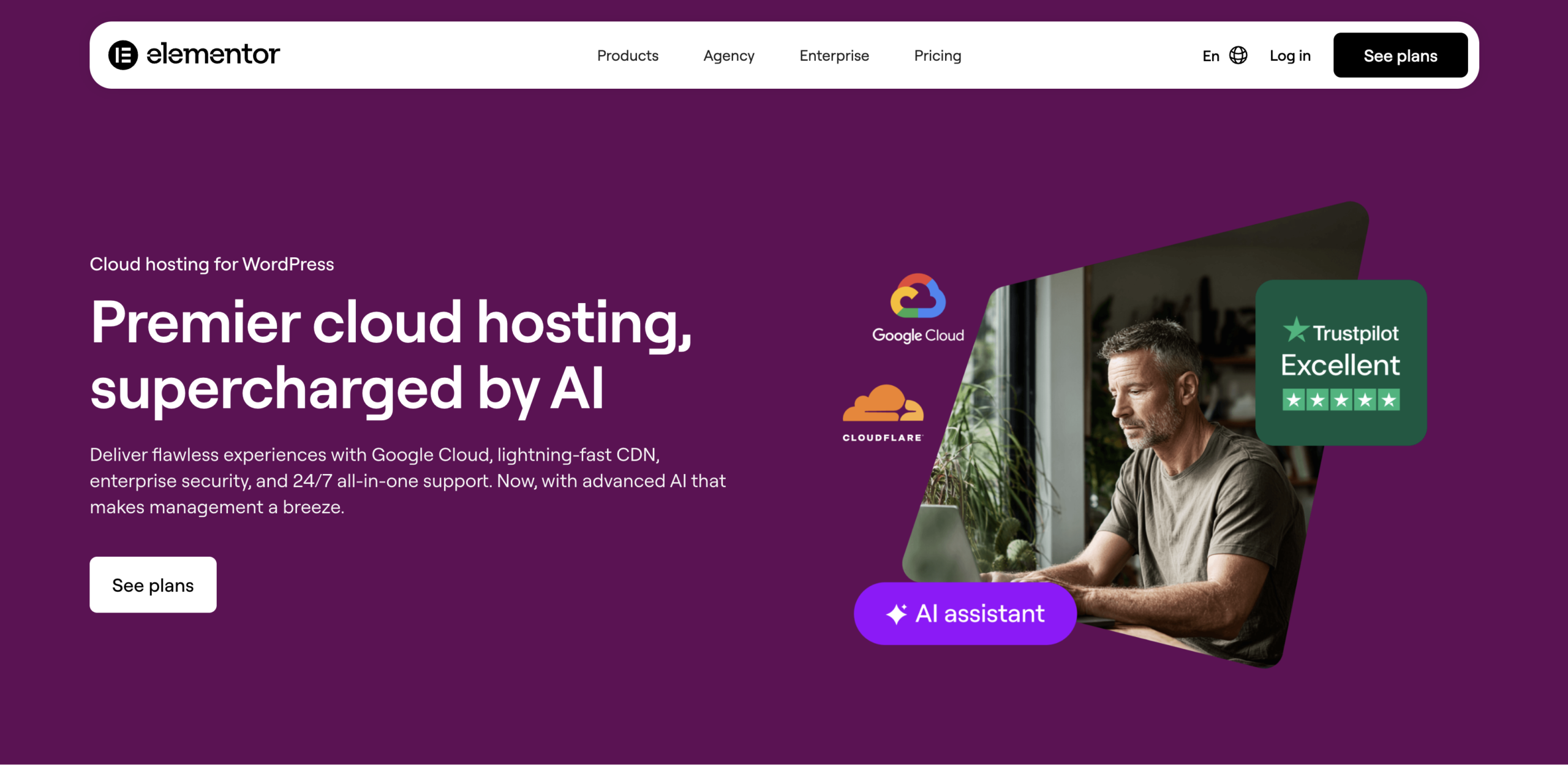
Elementor Hosting is becoming a popular option for beginners and creators, and after testing it hands-on, it’s easy to see the appeal—especially if you’re already using Elementor. It offers a streamlined, all-in-one solution where hosting and website building are tightly integrated. While it’s not the cheapest option out there, it simplifies the entire setup process. You can launch a WordPress site with Elementor pre-installed, and your website can be live in just a few steps.
In terms of performance, Elementor Hosting delivers solid results thanks to its cloud-based infrastructure (powered by Google Cloud). Uptime is stable, and loading speeds are generally fast, particularly for users in major regions like the US and Europe. The plans come with managed resources, which are suitable for small to medium websites, and everything is optimized specifically for Elementor websites. The dashboard is clean and easy to navigate, making it beginner-friendly even if you have no prior experience.
User feedback often highlights the convenience of having everything in one place—hosting, builder, and optimization tools. However, since it’s a managed solution, pricing is higher compared to basic shared hosting, and renewal costs remain consistent rather than heavily discounted upfront.
If you’re planning to build your site with Elementor and want a smooth, all-in-one experience without dealing with technical setup, Elementor Hosting is a great choice.
Key Features of Elementor Hosting
- Fully managed WordPress hosting with Elementor pre-installed
- Built on Google Cloud infrastructure for strong performance
- Optimized specifically for Elementor websites
- Fast loading speeds with built-in caching and CDN
- Free SSL certificate for secure connections
- Automatic daily backups to protect your data
- Staging environment to test changes before going live
- Easy-to-use dashboard for managing your website
- Integrated Elementor builder for seamless design workflow
- Built-in security features including monitoring and protection
- Scalable plans to support growing websites
- 24/7 customer support for technical assistance
Elementor Hosting Pricing
Elementor Hosting is designed as a complete website solution, combining hosting, WordPress, and the Elementor builder into one package. Instead of paying separately for hosting and a page builder, everything is included under a single plan, which makes things simpler—especially for beginners and designers.
Elementor Hosting offers a few different plans based on your website needs. The entry-level plan is suitable for a single website with basic resources, while higher plans provide more storage, bandwidth, and the ability to handle more traffic. As you move up, you also get support for multiple websites and improved performance.
Like many hosting providers, Elementor may offer discounted pricing for the first term. After that, the plan renews at the regular rate. However, unlike some budget hosts, the difference between the initial and renewal price is usually more moderate. One of the biggest advantages is that you’re not just paying for hosting. The plans typically include: Managed WordPress hosting, Elementor website builder (Pro features included), Free SSL certificate
CDN for faster global loading, Automatic backups, Built-in security and monitoring. This bundled approach can actually save money compared to buying these services separately.
Elementor Hosting is usually billed annually, which gives you the best value. Monthly options may be limited or cost more overall. Choosing a yearly plan is ideal if you’re planning to run your site long term. As your website grows, you can upgrade your plan to get more resources like higher storage, increased bandwidth, and support for additional sites. This makes it easy to scale without moving to another hosting provider.
Elementor Hosting is not the cheapest option, but it focuses on convenience and performance. It’s especially valuable for users who want everything managed in one place without dealing with technical setup or third-party tools. If you’re looking for an all-in-one hosting and website-building solution, Elementor Hosting offers great value. It’s perfect for beginners, freelancers, and designers who want a smooth, hassle-free experience—even if it costs a bit more than basic shared hosting.
Elementor Hosting Pros & Cons
| Pros | Cons |
|---|---|
| All-in-one platform (Hosting + WordPress + Elementor Pro included) | Higher pricing compared to basic shared hosting |
| Beginner-friendly setup with no technical skills required | Limited flexibility for advanced developers |
| Optimized environment specifically for Elementor websites | Locked into Elementor ecosystem (harder to switch later) |
| Built on Google Cloud for stable and fast performance | No traditional cPanel access (custom dashboard only) |
| Free SSL, CDN, and built-in security protection | No email hosting included |
| Automatic backups and easy staging environment | Entry plans come with limited storage and bandwidth |
| Clean and modern dashboard for easy site management | Fewer server location options compared to competitors |
| Good performance for small to medium websites | Not ideal for very high-traffic or complex sites |
Final Thought on Elementor Hosting
Elementor Hosting is a strong choice if you’re looking for a simple, all-in-one solution to build and manage your website. Instead of juggling separate hosting, themes, and page builders, everything comes pre-configured—making the entire process smooth, especially for beginners and non-technical users.
What really stands out is how well the platform is optimized specifically for Elementor websites. You get reliable performance, built-in security, and design flexibility without needing to handle the technical side of things. This makes it ideal for freelancers, designers, and small business owners who want to focus more on creating and less on managing servers.
That said, it’s not the most flexible option if you prefer deep customization or plan to scale into a highly complex, high-traffic project. The pricing is also a bit higher than basic hosting providers, but the added convenience and bundled features can justify the cost for the right user.
If your priority is ease of use, design freedom, and a hassle-free setup, Elementor Hosting is definitely worth considering. But if you need more control, advanced features, or lower long-term costs, exploring other hosting options might be a smarter move.
7. Rocket.net
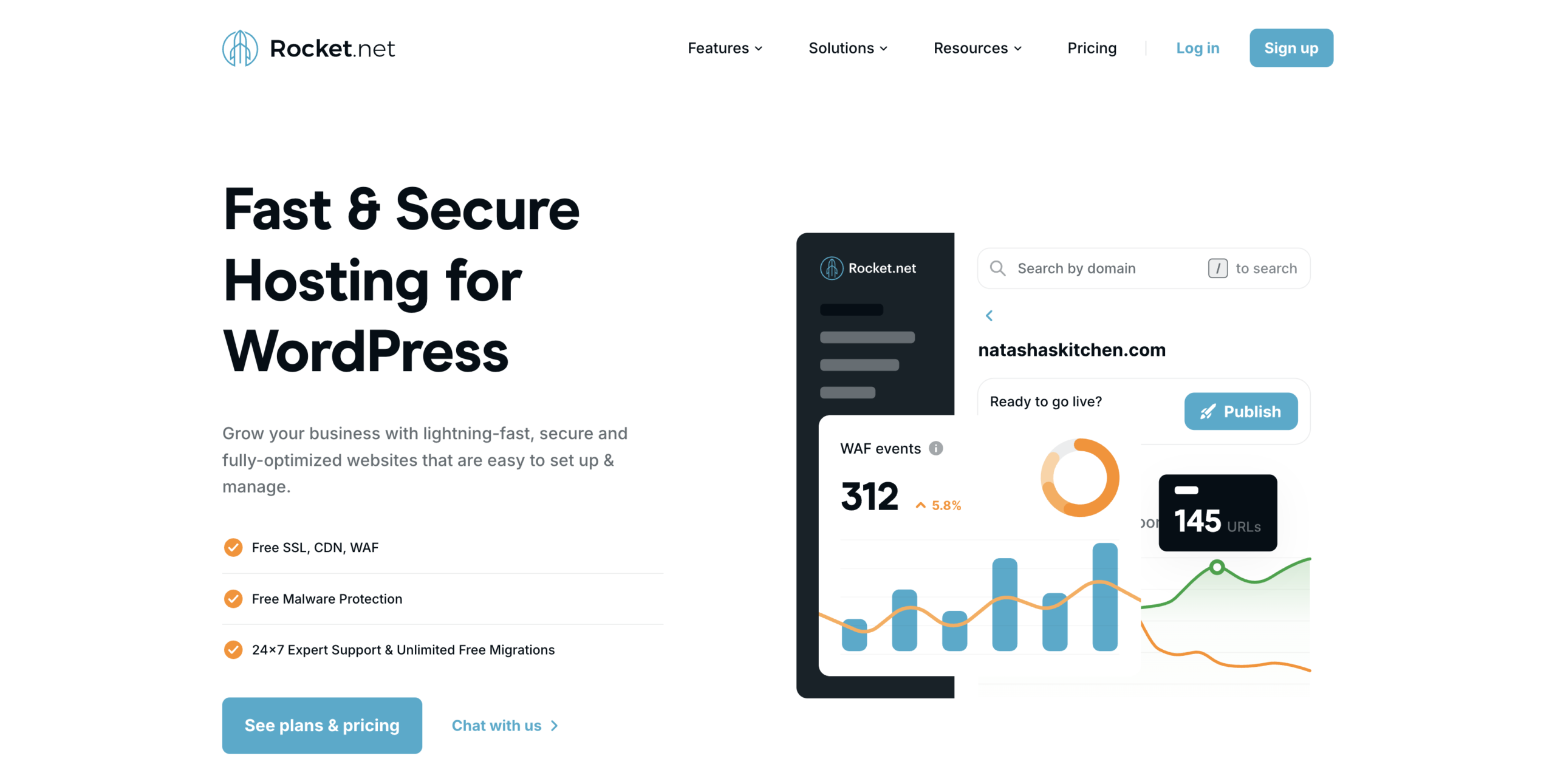
Rocket.net is often recommended for users who want top-tier performance without dealing with technical complexity, and after testing it across different setups, it’s easy to see why it stands out. Unlike budget hosting providers, Rocket.net focuses on speed and premium infrastructure rather than low introductory pricing. While it does come at a higher cost, you’re paying for a fully managed experience that’s built to handle serious websites from day one.
Getting started is incredibly straightforward. WordPress comes pre-installed, and the platform is designed to be user-friendly, so you can launch your site quickly without worrying about complicated configurations. Everything—from caching to security—is already optimized, which saves a lot of time and effort.
In terms of performance, Rocket.net delivers excellent results across the board. Load times are consistently fast thanks to its global edge network, and uptime is highly reliable. Whether your audience is in the US, Europe, or other regions, the platform is built to ensure your site loads quickly everywhere. Even under higher traffic, it maintains strong stability, making it a great option for growing or high-traffic websites.
The dashboard is clean and modern, making site management simple even for non-technical users. At the same time, it offers enough power and scalability for more experienced users who need reliable performance.
User feedback often highlights its speed, security, and ease of use, though some mention the higher pricing compared to shared hosting options. However, unlike many cheaper hosts, there are no aggressive upsells or confusing pricing structures—what you see is what you get.
If you’re building a serious website and want premium speed, security, and a hands-off hosting experience, Rocket.net is an excellent choice—especially if performance matters more than saving a few dollars.
Key Features of Rocket.net
- Fully managed WordPress hosting with no technical setup required
- Built on a global edge network for ultra-fast loading speeds worldwide
- Automatic caching and performance optimization out of the box
- Free SSL certificate for secure data encryption
- Advanced security with built-in firewall and real-time threat protection
- Daily automatic backups with easy one-click restore option
- Free website migrations handled by experts
- Staging environment to test changes before going live
- Integrated CDN for faster content delivery across regions
- Clean and user-friendly dashboard for easy site management
- 24/7 expert support with quick response times
- High scalability to handle traffic spikes without slowing down
- No need for extra performance plugins (everything is pre-optimized)
Rocket.net pricing
Rocket.net positions itself as a premium managed WordPress hosting provider, and its pricing reflects that approach. Instead of competing with ultra-cheap shared hosting plans, it focuses on delivering a high-performance environment where most technical aspects are already handled for you. This means you’re not just paying for server space—you’re investing in speed, security, and convenience.
The entry-level plan typically starts at around the mid-range monthly price point compared to the industry. While that may seem higher at first glance, it includes everything needed to run a professional WordPress site without Excessive add-ons. You don’t have to purchase a separate CDN, security plugin, or performance optimization tools because those features are already integrated into the platform. This bundled setup simplifies things, especially if you don’t want to manage multiple services.
Another important aspect of Rocket.net’s pricing is its consistency. Unlike many budget hosting providers that offer very low introductory rates and then increase prices significantly at renewal, Rocket.net keeps its pricing relatively stable. This makes it easier to plan your long-term costs without worrying about sudden jumps after the first billing cycle.
When it comes to scalability, Rocket.net offers multiple plans that increase in resources as your website grows. As you move to higher tiers, you get more storage capacity, improved ability to handle traffic, and support for additional websites. This makes it suitable not only for single-site owners but also for businesses and agencies managing multiple projects.
Billing flexibility is also straightforward. You can choose between monthly and yearly payments, with annual billing usually offering better overall value. This is helpful if you’re planning to run your website for the long term and want to reduce your overall expenses slightly.
What truly defines Rocket.net’s pricing is the value behind it. The platform is built on a global edge network, which helps deliver fast loading times across different regions. It also includes built-in security protections and automatic backups, reducing the need for third-party services. For many users, this means fewer technical headaches and more time to focus on growing their website.
In the end, Rocket.net may not be the cheapest option available, but it’s designed for those who prioritize performance, reliability, and a hassle-free hosting experience. If your goal is to run a serious website without constantly managing technical details, the pricing can feel justified by the overall quality and convenience it provides.
Rocket.net Pros and Cons
| Pros | Cons |
|---|---|
| Exceptional loading speeds with edge-based cloud infrastructure | Premium pricing compared to shared hosting providers |
| Fully managed WordPress hosting with zero technical setup | Not ideal for beginners on a tight budget |
| Built-in CDN, caching, and optimization (no extra plugins needed) | Limited flexibility for advanced server-level customization |
| Strong security with firewall, malware protection, and real-time monitoring | No email hosting included in plans |
| Reliable uptime with stable performance across global locations | Fewer entry-level plan options for small hobby sites |
| Free migrations handled by experts | Can feel overkill for simple or low-traffic websites |
| Clean and modern dashboard, easy to use | Higher starting cost for single-site users |
| Scales well for high-traffic and business websites | Resource limits still apply depending on plan tier |
| No aggressive upsells or confusing pricing structure | Less control compared to traditional cPanel hosting |
Final Thoughts on Rocket.net
Rocket.net stands out as a hosting provider built for people who care more about performance and simplicity than saving a few dollars. Instead of making you handle caching, security, and optimization manually, it takes care of everything in the background so your website runs fast without extra effort.
From a practical point of view, it’s a great option for websites that need consistent speed and reliability across different regions. Whether you’re running a business site, an online store, or a growing blog, the platform is designed to handle traffic smoothly without slowing down. You don’t have to rely on multiple plugins or third-party tools, which makes the overall experience cleaner and more stable.
At the same time, it’s important to be realistic about who this hosting is for. Rocket.net is not built for ultra-low budgets or users who want full server control. It focuses more on a managed, hassle-free experience, which means some advanced customization options are limited.
If you want a hosting solution where speed, security, and ease of use are already taken care of, Rocket.net is a strong choice. It may cost more upfront, but for users who value performance and want to avoid technical headaches, it delivers solid long-term value.
8. GreenGeeks

GreenGeeks is often recommended for users who prioritize eco-friendly hosting without compromising on performance or reliability. After testing it across different setups, it’s clear why it has earned a strong reputation. Unlike budget providers that focus mainly on low prices, GreenGeeks emphasizes speed, security, and environmentally responsible infrastructure. While it may not be the cheapest option, you’re investing in a hosting service that’s fully managed and optimized for modern websites from the start.
Getting started is quick and easy. WordPress comes pre-installed, and the platform is designed to be intuitive, allowing you to launch your site without dealing with complex configurations. Features like caching, backups, and security measures are already taken care of, saving time and reducing the technical burden on users.
Performance-wise, GreenGeeks delivers solid results. Websites hosted on their platform benefit from fast load times and dependable uptime, ensuring visitors experience smooth and uninterrupted browsing. Their global data center network helps maintain speed across different regions, making it suitable for sites with audiences both in the US and internationally. Even under higher traffic, GreenGeeks keeps your site stable, making it a reliable choice for growing websites.
The user dashboard is clean, modern, and easy to navigate, making management simple for beginners. At the same time, it offers advanced tools and scalability for more experienced users who need additional control and flexibility. User reviews frequently praise GreenGeeks for its speed, security, eco-friendly approach, and helpful support team. While some users note that it’s slightly pricier than basic shared hosting, there are no hidden fees or confusing upsells—you know exactly what you’re paying for.
For website owners who value performance, security, and environmentally conscious hosting, GreenGeeks is an excellent option. It provides a hassle-free experience that allows you to focus on growing your website while minimizing your environmental footprint.
Key Features of GreenGeeks
- Eco-friendly hosting powered by renewable energy
- Fast performance with SSD storage & built-in caching
- Free domain & SSL for secure websites
- Managed WordPress with auto updates
- Strong security with backups & malware protection
- Free site migration for easy switching
- 24/7 support via chat, email & phone
- Scalable plans for growing websites
GreenGeeks Pricing
GreenGeeks keeps its pricing structure simple, but it’s designed in a way that balances affordability with premium-level features. Instead of overwhelming users with too many confusing tiers, it offers a few well-defined plans that scale based on your website’s needs.
At the entry level, the Lite plan is ideal for individuals or small website owners who are just getting started. It supports a single website and includes all the essential features such as fast SSD storage, free SSL, a free domain for the first year, email accounts, and built-in caching. Even though it’s the most affordable option, it still comes with the same eco-friendly infrastructure and performance optimization as the higher plans. This makes it a strong starting point for bloggers, freelancers, or anyone launching their first site.
Moving up, the Pro plan is designed for users who need more flexibility and resources. Unlike the Lite plan, it allows hosting multiple websites, which is useful for businesses managing more than one project or domain. It also provides increased performance, meaning better speed and more capacity to handle traffic. Additional benefits like on-demand backups and enhanced performance tools make it a more suitable option for growing websites that are starting to see consistent visitors.
At the top, the Premium plan is built for users who want maximum performance and fewer limitations. This plan offers the highest level of server resources, making it ideal for high-traffic websites, online stores, or businesses that rely heavily on uptime and speed. It includes everything from the lower plans but with improved performance tuning and priority resource allocation, ensuring your site remains stable even during traffic spikes.
One important thing to understand about GreenGeeks pricing is the difference between introductory and renewal rates. Like many hosting providers, the initial price is discounted when you first sign up, which makes it very attractive for new users. However, once the initial term ends, the renewal cost increases to the standard rate. While this is common in the hosting industry, GreenGeeks is relatively transparent about it, so there are no unexpected surprises later.
Another aspect that adds value to the pricing is what’s included at no extra cost. Features like daily backups, security tools, CDN integration, and email hosting are bundled into the plans instead of being sold as add-ons. This reduces the need for additional purchases and keeps the overall cost predictable.
Overall, GreenGeeks pricing reflects a balance between cost and value. It may not always be the absolute cheapest option upfront, but when you consider the included features, reliable performance, and environmentally responsible approach, it offers strong value for anyone looking for dependable and sustainable web hosting.
GreenGeeks Pros and Cons
| Pros | Cons |
|---|---|
| Fast loading speeds with LiteSpeed servers and SSD storage | Renewal pricing is higher than the introductory offer |
| Reliable uptime suitable for most websites | Basic plan supports only one website |
| Eco-friendly hosting powered by renewable energy credits | Performance not as advanced as premium managed hosts |
| Free SSL, domain (1st year), backups, and CDN included | Limited advanced features on entry-level plan |
| Beginner-friendly setup with WordPress pre-installed | Requires upgrade as traffic grows |
| Free website migration handled by experts | Data centers are limited compared to some global providers |
| 24/7 customer support with quick response times | No monthly billing on cheapest plans (long-term commitment needed) |
| Scalable plans for growing websites | Higher-tier plans can feel slightly expensive |
Final Thoughts on GreenGeeks
GreenGeeks offers a well-rounded hosting experience that focuses on what most website owners actually need—speed, reliability, and simplicity—while adding an eco-friendly edge that few competitors prioritize. It’s not just about marketing; the platform is built with solid technology that ensures consistent performance for everyday websites, whether you’re running a blog, a portfolio, or a small business site.
What makes it appealing is how much is included right from the start. You don’t have to spend extra time or money setting up basic features like security, backups, or performance tools. Everything is already configured to work smoothly, which makes it especially helpful for beginners or users who prefer a hassle-free setup. At the same time, it doesn’t feel limiting, as it still provides enough flexibility for users who want to scale their projects over time.
That said, it’s important to understand where it fits best. GreenGeeks is ideal for small to medium-sized websites and growing projects, but if you’re managing extremely high traffic or need enterprise-level infrastructure, you might eventually outgrow it. Also, like many hosting providers, the pricing increases after the initial term, so it’s something to keep in mind for long-term planning.
Overall, GreenGeeks strikes a strong balance between performance, value, and sustainability. It’s a dependable choice for users who want reliable hosting without unnecessary complexity, and the added focus on environmental responsibility makes it stand out in a crowded market.
9. Cloudways
Cloudways is often recommended for users who want powerful cloud hosting without dealing with the complexity of managing servers on their own. After using it across different projects, it’s easy to understand why it has gained popularity among developers, businesses, and growing websites. Unlike traditional hosting providers that rely on shared environments, Cloudways focuses on performance, flexibility, and scalability by letting you choose from leading cloud infrastructure providers. While it’s not positioned as the cheapest option, the level of control and performance you get makes it a worthwhile investment.
Getting started with Cloudways is relatively straightforward, though slightly different from typical hosting platforms. Instead of a one-click shared setup, you launch your server by selecting a cloud provider like DigitalOcean, AWS, or Google Cloud, and then deploy WordPress in just a few steps. The platform handles most of the technical work behind the scenes, including server optimization, caching, and security, which significantly reduces the workload for users.
When it comes to performance, Cloudways delivers impressive results. Since your website runs on dedicated cloud resources, you get faster load times and better stability compared to standard shared hosting. Their global data center options allow you to host your site closer to your audience, improving speed across different regions. It also performs well during traffic spikes, making it a strong choice for websites that are growing or expecting variable traffic.
The custom dashboard is another highlight. It’s modern, well-organized, and gives you more control compared to traditional control panels, while still being accessible to users who aren’t highly technical. You can manage servers, applications, backups, and scaling from one place without feeling overwhelmed. For advanced users, there are also additional tools and configurations available to fine-tune performance.
User feedback often highlights Cloudways for its flexibility, speed, and the ability to scale resources as needed. Some users mention that it has a slight learning curve compared to basic shared hosting, and features like domain registration are not included. However, the transparent pricing model and absence of aggressive upsells make it easier to understand what you’re paying for.
For website owners who want strong performance, scalability, and more control over their hosting environment without managing everything manually, Cloudways is an excellent choice. It offers a balance between power and usability, making it suitable for both growing businesses and more experienced users.
Key Features of Cloudways
- Managed cloud hosting on DigitalOcean, AWS, Google Cloud, etc.
- Pay-as-you-go pricing with flexible scaling
- High performance with dedicated resources & built-in caching
- Easy 1-click WordPress installation
- Free SSL certificate and automated backups
- Advanced security with firewalls and regular updates
- Custom dashboard with more control than cPanel
- Multiple global data center options
- 24/7 expert support
- Vertical scaling to handle traffic growth easily
Cloudways Pricing
Cloudways pricing is designed around flexibility rather than a one-size-fits-all subscription, which makes it quite different from traditional hosting providers. Instead of offering fixed plans with rigid limits, Cloudways allows users to pay based on the cloud infrastructure provider they choose and the resources they actually use. This approach gives businesses more control over performance, scalability, and cost efficiency, especially for websites that may grow or experience fluctuating traffic.
At its core, Cloudways acts as a managed hosting platform that sits on top of leading cloud providers such as DigitalOcean, AWS, Google Cloud, Vultr, and Linode. What you are really paying for is a combination of two elements: the infrastructure cost charged by the cloud provider and the management layer provided by Cloudways. The management layer includes features like server optimization, security patches, automated backups, performance monitoring, and a user-friendly control panel, which removes the technical burden of managing raw cloud servers.
The pricing varies depending on which infrastructure provider you select. For example, if you choose a provider like DigitalOcean, the cost tends to be lower and more predictable, making it suitable for small to medium websites or startups. On the other hand, AWS or Google Cloud pricing is generally higher but offers more advanced scalability and enterprise-level infrastructure. This means users can start with a smaller server and upgrade resources like RAM, storage, and CPU as their needs increase, without migrating to a completely new system.
Another important aspect of Cloudways pricing is that it follows a pay-as-you-go model. You are billed hourly and only for the resources you consume. This is especially useful for projects that are temporary or seasonal because you are not locked into long-term contracts. If you scale your server up or down during the month, your bill adjusts accordingly, which provides a high level of financial control.
Cloudways also includes several built-in features within its pricing that would typically cost extra elsewhere. These include free SSL certificates, automated backups, advanced caching systems, staging environments, and integrated CDN options. While some add-ons like premium support, email hosting, or advanced CDN usage may involve additional charges, the base pricing already covers most essential hosting needs.
Performance is another factor tied closely to pricing. Higher-tier plans come with better hardware resources and faster processing power, which directly impacts website speed and reliability. Since Cloudways optimizes servers specifically for applications like WordPress, Magento, and Laravel, users often experience better performance compared to traditional shared hosting, even at similar price points. Support is also part of what you pay for. Cloudways offers 24/7 support through live chat and ticketing, and higher support tiers are available for businesses that require faster response times or dedicated assistance. This layered support structure allows users to decide how much help they need without forcing everyone into the same pricing bracket.
Overall, Cloudways pricing is built around customization, scalability, and convenience. It is particularly suitable for developers, agencies, and growing businesses that want the power of cloud hosting without dealing with the complexity of server management. Instead of paying for unused resources or being restricted by fixed plans, users get the freedom to tailor their hosting environment according to their exact requirements while maintaining predictable control over costs.
Cloudways Pros & Cons
| Pros | Cons |
|---|---|
| Cloudways delivers strong performance using optimized server stacks like Nginx, Varnish, and Redis, resulting in faster website loading compared to traditional hosting. | Performance depends on the provider you choose, and lower-tier servers may not handle high traffic efficiently without scaling. |
| The pay-as-you-go pricing model offers flexibility, allowing users to pay only for the resources they actually use. | Pricing can be confusing for beginners, and costs may increase quickly if resources are scaled without monitoring. |
| The platform provides a user-friendly control panel that simplifies server management without requiring deep technical skills. | It does not use cPanel, which may feel unfamiliar to users who are used to traditional hosting dashboards. |
| Vertical scaling is smooth, allowing you to increase server resources without major downtime. | Reducing server size is not always straightforward, especially with certain cloud providers. |
| Built-in security features like firewalls, SSL certificates, and regular updates enhance overall protection. | Advanced security configurations may still require some technical knowledge. |
| 24/7 customer support is available through live chat and tickets for quick assistance. | Premium or priority support comes at an additional cost. |
| Provides a balanced level of control over applications, databases, and server settings. | Full root access is not available, which may limit advanced customization. |
| Automated and manual backup options help keep data safe with minimal effort. | Backup customization options are somewhat limited unless additional resources are used. |
| Supports popular applications like WordPress, Magento, and Laravel with optimized environments. | Not suitable for highly customized server setups that require full control over system configurations. |
| Offers features like staging environments, CDN integration, and team collaboration tools. | Some features such as email hosting and advanced CDN services require extra payment. |
| Multiple global data centers help improve website speed for users in different regions. | Choosing the right server and location may require some technical understanding. |
Final Thoughts on Cloudways
Cloudways stands out as a powerful hosting solution for users who want more control and better performance than traditional shared hosting can offer, without dealing with the full complexity of managing a cloud server. It bridges the gap between simplicity and advanced hosting by handling the technical side while still giving users the flexibility to choose their infrastructure and scale resources as needed.
One of its biggest strengths is performance. Because your website runs on dedicated cloud resources, it delivers faster speeds and better stability compared to many standard hosting options. This makes it a strong choice for growing websites, online businesses, and projects that expect fluctuating traffic. The ability to scale resources at any time adds another layer of reliability, ensuring your site can handle growth without major disruptions.
At the same time, Cloudways remains relatively user-friendly. Its custom dashboard is modern and well-organized, allowing users to manage servers, applications, and settings without feeling overwhelmed. While there is a slight learning curve for beginners, it’s far more approachable than managing a cloud server directly. That said, Cloudways isn’t designed for everyone. Users looking for a very simple, all-in-one hosting solution with features like domain registration and email included may find it a bit different from what they’re used to. It’s better suited for those who value flexibility, performance, and scalability over simplicity alone.
In the end, Cloudways is an excellent choice for users who want a balance of power and control without going fully technical. If you’re planning to grow your website, need reliable performance, and prefer a hosting platform that adapts to your needs, Cloudways is definitely worth considering.
10. WordPress.com
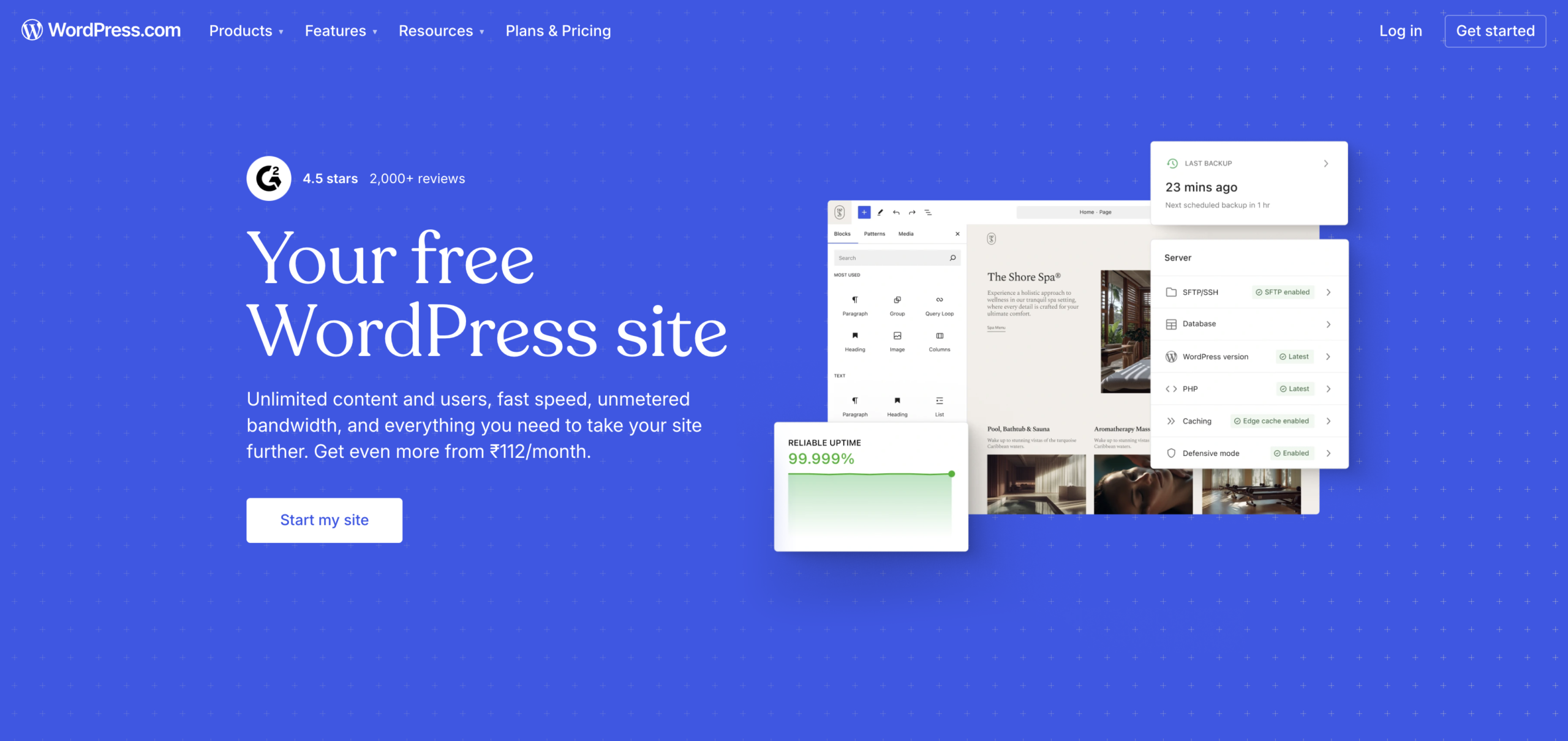
When I started exploring website building platforms in depth, WordPress quickly stood out as one of the most powerful and widely used options available. It’s important to understand from the beginning that WordPress itself is free to use, but the overall cost depends on things like hosting, domain name, and any premium themes or plugins you choose.
While you can start with minimal investment, building a high-quality website often involves some additional expenses. Hosting plans can vary widely in price depending on the provider and performance level, and a domain name is usually a separate cost. The flexibility here is a big advantage—you can keep things budget-friendly or invest more as your website grows. What truly makes WordPress stand out is its unmatched flexibility. Unlike many website builders, it isn’t limited to a single setup or structure. You can create anything from a simple blog to a full-scale business website or eCommerce store. With thousands of themes and plugins available, you can customize almost every aspect of your site without being locked into a specific system.
Another major strength is its global ecosystem. Since WordPress powers a large portion of the web, it benefits from constant updates, strong security improvements, and a massive community. No matter where your audience is located, you can optimize your site for speed and performance using the right hosting and tools. The dashboard is also relatively easy to use, especially once you get familiar with it. Beginners can manage content, images, and pages without much difficulty, while advanced users have full control over customization and functionality.
WordPress may require a bit more setup compared to all-in-one website builders, but the level of control and scalability it offers makes it worth the effort. If you’re looking for a platform that can grow with your needs and give you complete ownership of your website, WordPress is a strong and reliable choice.
Key Features of WordPress.com
- Environment-friendly hosting with renewable energy support
- Fast website speed using SSD storage and optimized servers
- Free domain for the first year with SSL security
- Managed WordPress setup with automatic updates
- Daily backups and built-in security protection
- Free website transfer from another host
- 24/7 customer support availability
- Easy scaling as your website grows
WordPress.com Pricing
WordPress.com uses a tiered pricing model that is designed to suit different types of users, from complete beginners to businesses that need advanced functionality. What makes it different from self-hosted WordPress is that everything is bundled into one service, including hosting, security, and maintenance. This means you don’t have to worry about managing technical aspects, but it also means pricing is tied to the level of features and control you need.
At the starting level, there is a free plan, which is useful for testing the platform or creating a very basic website. However, it comes with limitations such as WordPress.com branding, a subdomain instead of a custom domain, and restricted customization options. It works well for personal use, but it’s not ideal if you want a professional online presence.
The paid plans begin with the Personal tier, which removes ads and allows you to use your own domain name. This plan is suitable for simple blogs or personal websites that don’t require advanced features. As you move up to the Premium plan, you get more design flexibility, additional storage, and the ability to monetize your site in limited ways, making it a better fit for content creators who want more control over appearance and functionality.
The Business plan is where WordPress.com becomes much more powerful. It unlocks the ability to install plugins and custom themes, which is a major advantage because it brings the experience closer to self-hosted WordPress. This plan is ideal for small businesses or users who want greater customization and access to advanced tools without handling technical maintenance themselves.
At the top end, the Commerce plan is designed for online stores. It includes eCommerce-specific features such as product management, payment integrations, and marketing tools. This makes it suitable for users who want to run a full online business directly on WordPress.com without relying on external platforms.
One important thing to understand about WordPress.com pricing is that it is subscription-based, typically billed annually for the best rates. As you move to higher tiers, you’re not just paying for more storage, but also for increased flexibility, customization, and monetization options. Unlike self-hosted WordPress, where costs are spread across hosting, themes, and plugins, WordPress.com combines everything into a single, predictable payment.
Overall, WordPress.com pricing is built around convenience and simplicity. It’s a good choice for users who want an all-in-one solution with minimal technical responsibility. While it can become more expensive at higher tiers, the ease of use, built-in features, and managed environment make it a worthwhile option for many website owners who prefer a streamlined experience.
WordPress.com Pros & Cons
| Pros | Cons |
|---|---|
| Excellent speed due to dedicated cloud resources | Slight learning curve for beginners |
| Flexible pay-as-you-go pricing model | No free domain included |
| Choice of top cloud providers (DigitalOcean, AWS, Google Cloud, etc.) | Email hosting not included by default |
| Easy vertical scaling without downtime | Costs can increase as you scale |
| Built-in caching and performance optimization | No traditional cPanel (custom dashboard instead) |
| Strong security with firewalls, patches, and backups | Advanced features may feel overwhelming for new users |
| Global data centers for better worldwide speed | Support quality can vary on lower plans |
| Free SSL and automated backups included | Requires separate services for full website ecosystem |
| Good uptime and stability even during traffic spikes | Not as simple as basic shared hosting platforms |
Final Thoughts on WordPress.com
Final Thoughts on WordPress.com
WordPress.com is a solid choice for anyone who wants a simple and managed way to build a website without getting involved in technical details. It takes care of hosting, security, and maintenance behind the scenes, which makes it especially appealing for beginners or users who prefer a hassle-free setup. You can focus entirely on creating content and growing your site rather than worrying about updates or performance issues.
One of its biggest strengths is convenience. Everything is included in one place, from design tools to built-in features, so you don’t need to rely on multiple services. As you move to higher plans, the platform becomes more flexible, allowing greater customization and access to advanced tools. This makes it suitable not only for personal blogs but also for small businesses and even online stores.
However, this simplicity comes with some trade-offs. Compared to self-hosted WordPress, there are limitations in terms of control and customization, especially on lower-tier plans. You’re also tied to a subscription model, which can become more expensive as your needs grow. For users who want complete freedom or advanced development options, the self-hosted version may be a better fit.
Overall, WordPress.com is best suited for users who value ease of use, reliability, and an all-in-one experience. It removes much of the complexity of running a website, making it a great starting point for beginners and a practical solution for those who want a streamlined and managed platform.
Final Recommendations
I won’t repeat all the details again, so instead, here are my top three recommendations based on the most common use cases:
Best for established businesses: Network Solutions
If you want a simple, all-in-one hosting solution, Network Solutions is a solid pick. It offers hosting, domain, and email services in one place, making it convenient for businesses. While it’s not the fastest or cheapest option, it provides reliable performance and easy management, making it a good choice for small to medium websites.
Best choice for most users: Bluehost
It was a close comparison between Bluehost and other popular hosting providers, but Bluehost stands out for its balance of quality and affordability. While some alternatives offer similar features, Bluehost remains more budget-friendly in the long run. Over several years, the cost savings can really add up, making it a smarter choice for users who want reliable hosting without overspending. That’s why Bluehost takes the top spot—it delivers solid performance, ease of use, and great overall value, making it an ideal option for beginners as well as growing websites.
Best budget-friendly option: Hosting.com
Hosting.com is a great pick if you want affordable hosting with solid performance. It offers a good balance between price and features, making it ideal for beginners and small websites. While not the cheapest overall, it provides reliable value without high long-term costs.
I hope this DigitalPresso guide has made it easier for you to choose the right WordPress hosting for your website. Whether your focus is on budget, performance, or advanced features, there’s a solution out there that matches your needs.
If you still have questions or want to share your experience with any hosting provider, feel free to leave a comment. The DigitalPresso team is always here to help and guide you in the right direction.
WordPress Hosting FAQs
Which WordPress hosting provider is best in 2026?
The best hosting provider depends on your needs. Some users prefer affordable options, while others look for premium performance. The right choice is the one that fits your budget, traffic level, and technical requirements.
Do I really need managed WordPress hosting?
Managed hosting is helpful if you don’t want to handle updates, security, and performance optimization yourself. It’s ideal for beginners and busy website owners, but not mandatory for everyone.
What is the difference between shared and cloud hosting?
Shared hosting means your website shares resources with other sites, making it more affordable. Cloud hosting uses dedicated resources from a network of servers, offering better speed, scalability, and reliability.
How much should I spend on WordPress hosting?
Costs can range from a few dollars per month for basic hosting to higher prices for premium services. Your budget should depend on your website’s size, traffic, and growth plans.
Is free WordPress hosting a good option?
Free hosting can work for testing or personal projects, but it usually comes with limitations like ads, low performance, and restricted features. For serious websites, paid hosting is a better choice.
Can I switch my hosting provider later?
Yes, most hosting providers allow you to migrate your website easily. Many even offer free migration services, so switching platforms is usually not difficult.
Does hosting affect website speed?
Yes, hosting plays a major role in speed and performance. A good hosting provider can significantly improve loading times, which also helps with user experience and SEO.
Do I need to buy a domain separately?
Some hosting providers include a free domain for the first year, while others don’t. If it’s not included, you’ll need to purchase it separately.
Which hosting is best for beginners?
Beginners should look for hosting that is easy to set up, has a simple dashboard, and offers good customer support. This makes managing a website much easier.
What should I look for in a hosting provider?
Key things to consider include speed, uptime, security, customer support, pricing, and scalability. Choosing a balanced provider ensures long-term reliability for your website.



Leave a Comment